
You've probably seen the Boost button under your Facebook posts. It's quick, it's tempting, and for some jobs it's exactly right. For others, it's a good way to collect likes while the phone stays quiet.
This guide explains what a boost actually does, what Ads Manager adds, and how to tell which one fits your business on the Treasure Coast. No jargon, and no pressure to use either.
What "Boost" actually does
A boosted post is an ad. When you press Boost, Meta takes a post from your Page and turns it into a paid ad, running through the same ad system as everything else. It's just the short version: you pick a goal, an audience, a budget and a number of days, and the rest is mostly decided for you.
That simplicity is the whole appeal. It takes a couple of minutes, and you don't need to learn a new tool.
The tradeoff is control. A boost has a short menu of goals, fewer audience options, and little say over where the ad shows or how it's tested. And the goals on offer can vary by account and change over time, so what you see on your Page may differ from what a friend sees on theirs.
What Ads Manager adds
Ads Manager is Meta's full ad tool. The same auction, the same Facebook and Instagram, but with the whole toolbox:
- More objectives, including ones built around leads, calls and conversions, rather than only attention.
- Lead forms, so someone can raise a hand without leaving Facebook or Instagram.
- More audience control, including narrowing, excluding, and reaching people who already know you.
- Placement control, so you decide where your ad appears.
- Testing, so you can run two versions and learn which one works.
- Reporting that shows more than likes and reach.
None of this is better by definition. It's more control, and control is only worth having when you need it.
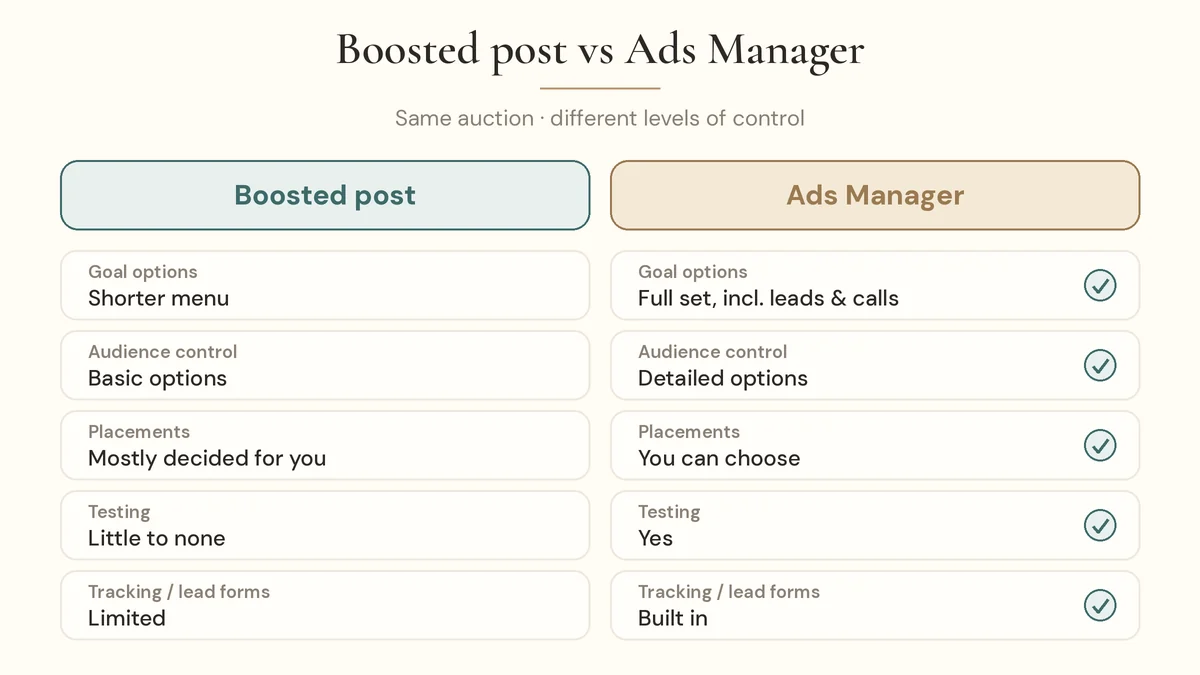
| Boosted post | Ads Manager | |
|---|---|---|
| Where you start | An existing post on your Page | A new ad built from scratch (or an existing post) |
| Setup | A couple of minutes | More steps, more decisions |
| Goals | A shorter menu that varies by account | The full set, including leads and calls |
| Audience | Basic options | Detailed options |
| Placements | Mostly decided for you | You can choose |
| Lead forms | Limited, depending on your account | Built in |
| Testing | Little to none | Yes |
| Best for | Quick, simple promotion | Leads, calls, bookings, ongoing campaigns |
When a boost is fine
A boost makes sense when the goal is simple and the timing matters more than precision. A few Treasure Coast examples:
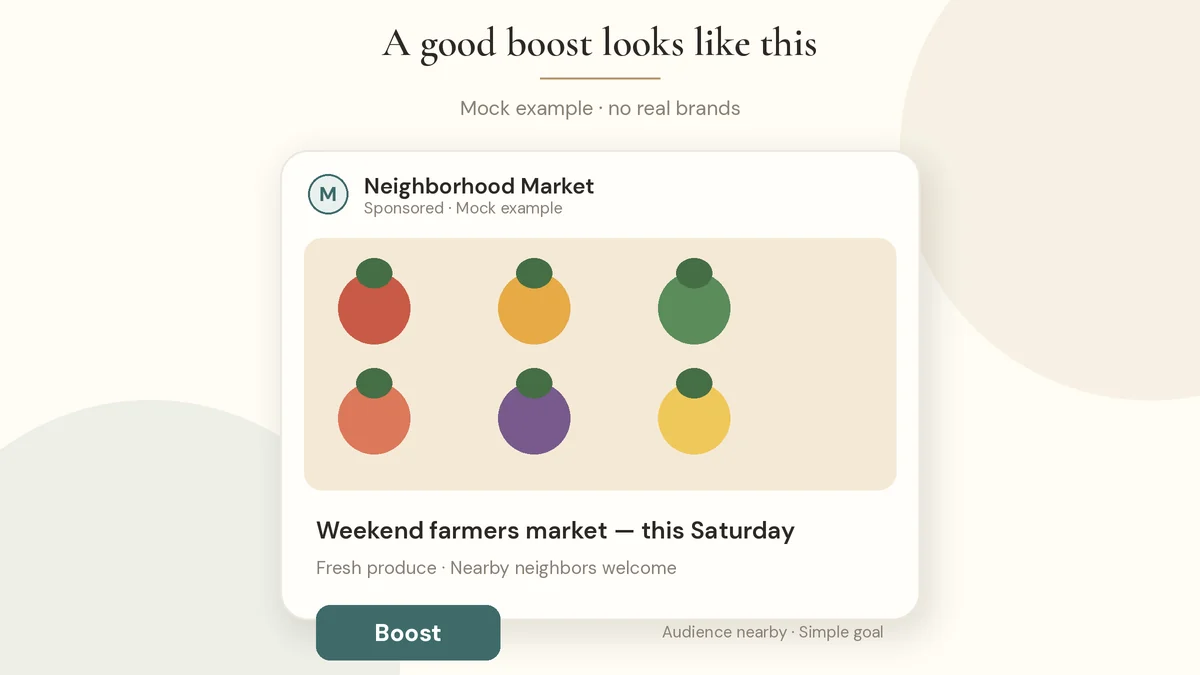
- A weekend farmers market that needs more neighbors to know it's happening.
- Holiday hours or a special event, like a one-day sale or a grand reopening.
- A closure or reopening update after bad weather, so people nearby see it fast. Keep the tone helpful, never opportunistic.
- Testing a post that already did well on your Page, to see if a little spend helps more people see it.
In each case, you want more people nearby to see something soon. That's what a boost is built for.
When you need Ads Manager
If your goal is a customer and not just attention, you'll usually want Ads Manager. That's true when you're after:
- Leads, like quote requests or sign-ups
- Phone calls
- Bookings or appointments
- Enrollments, for a daycare or class (we walk through how that works in our guide to Facebook ads for daycares)
These goals depend on the ad being set up to find people likely to take that specific action, a form that's short and clear, and a way to see what happened afterward. Ads Manager is where that's built. Contractors, restaurants, gyms and salons run into the same thing: attention is easy, but a call or a booking takes a plan.
Not sure which one you need? Book a free consultation and we'll talk through your goal. Or get a free ad audit of what you've already boosted. No long contracts either way.
Why "likes but no calls" happens
This is the most common thing we hear: "I boosted it, got lots of likes, but nobody called."
Usually, it's an objective mismatch. When you boost for engagement, Meta looks for people likely to like, comment or share. It does that well. But people who like posts aren't always the same people who book a service. If you wanted calls, the ad needed to be set up to look for people likely to call.
A few other reasons it happens:
- The offer wasn't clear. "Check us out" isn't a reason to act.
- The next step was hard. A parent or homeowner won't hunt for a phone number.
- Nobody followed up fast. A lead that sits for days can go cold. Our free ad audit guide covers what to check.
And if you're wondering what any of this costs, a boost and an Ads Manager ad both run through the same auction. Our guide to what Facebook ads cost in Port St. Lucie explains what actually moves the number.
Local targeting tips
Whichever tool you use, a few local habits help:
- Set your radius by town, not by guess. A shop in Jensen Beach and a gym in Port St. Lucie need different circles. Think about where your customers actually live and drive.
- Think about your calendar. The Treasure Coast changes through the year, so what works in February may not in July. Our snowbird season playbook walks through planning around it.
- Consider Spanish. In many neighborhoods, an ad in Spanish says "this is for you" in a way a translation never will. We run ads in English and Spanish when it fits the business.
- Use real photos. Your place, your team, your work. People trust what looks like home.
Frequently asked questions
Is boosting a post worth it? It can be, for simple goals like getting a local event or announcement in front of more neighbors. If your goal is leads, calls or bookings, you'll usually get more from Ads Manager.
What is the difference between a boosted post and a Facebook ad? A boosted post is a simplified Facebook ad made from a post that's already on your Page. Ads made in Ads Manager offer more goals, more audience and placement control, lead forms, and testing.
Can boosted posts get leads? The goals a boost offers vary by account and change over time, so check what your Page shows. For lead forms, tracking and fine control, Ads Manager is the usual route.
Why are my boosted posts getting likes but no customers? Often the boost was set to find people who engage with posts, not people who call or book. A weak offer, a hard next step, or slow follow-up can also be the cause.
Can I see boosted posts in Ads Manager? Yes. Boosted posts are ads in your ad account, and Meta lets you view their results in Ads Manager as well as on your Page.
Ready to find out which fits your business?
At Viralux Advertising, we run Facebook and Instagram lead ads on the Treasure Coast for local businesses. We live here, so we know the area, and you pay Meta directly for your ad spend, with a flat fee from us and no long contracts.
Book a free consultation to talk it through, or get a free ad audit of what you've boosted so far. You can also call or text 801-614-3820.