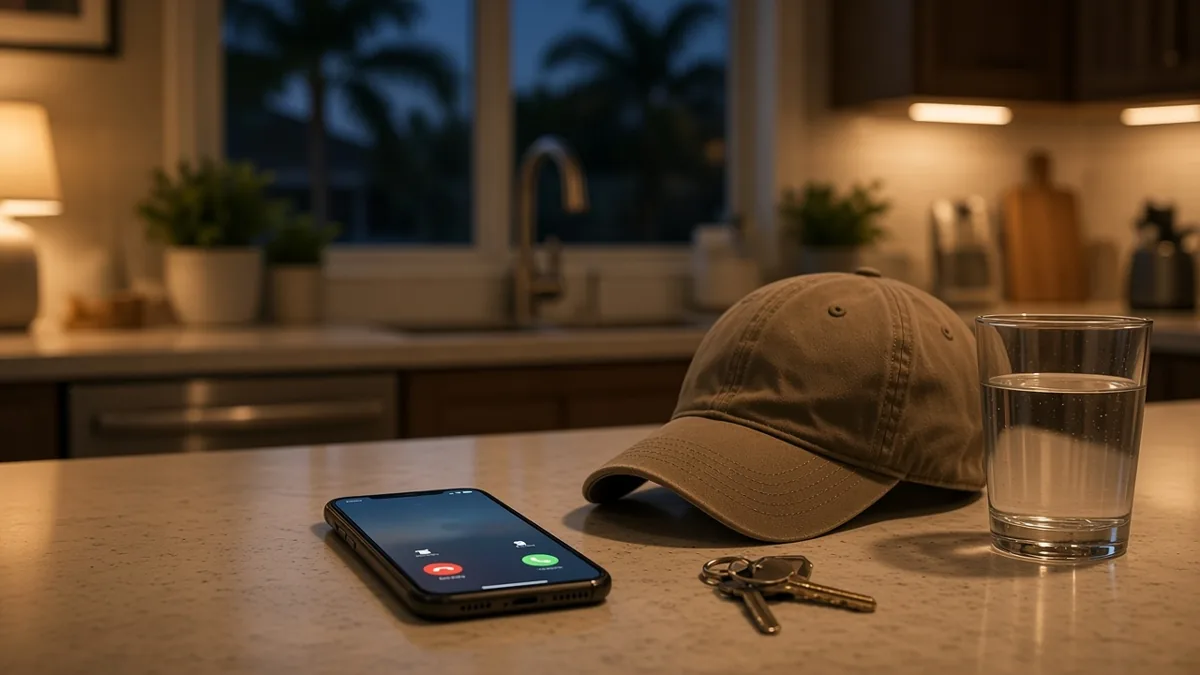
It's a Saturday night in July on the Treasure Coast, and somebody's air conditioner just quit. They're hot, they're tired, and they're not going to wait until Monday. They search Google, they call the first company that looks decent, and whoever answers usually gets the job.
If that's you, and you're at your kid's game or asleep or on another job, the call goes to voicemail. Then they call the next company on the list.
That's the after-hours problem, and it's the reason people search for an after-hours answering service. This post walks through the three ways to handle it: voicemail, a live answering service, and an AI receptionist. We'll show what each costs where prices are published, and who each one fits.
One thing up front: we sell an AI receptionist, Gary, so keep that in mind as you read. We'll show you the other options too, and for some businesses they're the better choice.
What "after hours" really means for a small business
Most people hear "after hours" and think 5 PM to 8 AM. For a small service business, it's wider than that.
- Nights, weekends and holidays. The obvious ones.
- Storm weeks. When the weather turns, everyone calls at once. Our hurricane season ads guide covers how the Treasure Coast's busiest weeks look from the ad side, and the phones get busy too.
- Mid-day, when you can't answer. On a roof, under a sink, in an attic, driving. You're open, but nobody's picking up.
Before you pick a solution, decide which calls can't wait and which can. Write it down.
- Can't wait: no cooling in July, a burst pipe, water coming through a ceiling, a gate stuck open. The caller needs a person fast.
- Can wait until morning: quote requests, "do you service my area?", scheduling a tune-up, general questions.
Your answer changes everything below. If only a few calls are true emergencies, you need a way to catch those and let the rest wait. If every call is a potential job, you need everything answered.

Option 1: Voicemail
Voicemail is free, and everyone knows how it works. For some businesses, it's all you need.
The trade-off is that the caller has to wait for you. Someone with a leak or a dead AC often won't. Many will hang up and try the next number. We're not putting a percentage on that, because we don't have one we can stand behind. It's common sense: a person who needs help now doesn't leave a message for a stranger.
If you stay on voicemail, make it work harder:
- Record a clear greeting with your hours.
- Say what to do in an emergency. If you have an on-call number, say it.
- Check messages at set times, and call back quickly.
- Keep it short. Nobody wants a 40-second speech.
Option 2: A live after-hours answering service
With a live service, real people answer your calls, take a message, and sometimes dispatch or transfer to you. It's a human voice, and that's the main reason to pick it.
One published-price example, checked Oct 25, 2026: Ruby offers 24/7 live answering, including after hours, weekends and holidays, with Spanish and bilingual call handling available. We're not quoting Ruby's minute-plan prices here, because we couldn't confirm them on the day we checked. Look at their pricing page for current numbers.
What's good: a person can handle a strange or complicated call, calm an upset caller, and use judgment.
What to watch: live services usually charge by the minute or by the call, so a busy month costs more. And the person answering is working from a script. It may feel generic to your customers. If you go this route, ask to hear how they'd answer and how they'd handle your emergencies.
Option 3: An AI receptionist after hours
An AI receptionist answers every call instantly, around the clock, using the information you've given it about your business. No hold time, no ringing out.
Here are three published-price examples. Each is from the company's own pricing page, checked Oct 25, 2026.
| Service | Type | Entry price (published) | Source |
|---|---|---|---|
| Smith.ai AI Receptionist | AI with live human backup available | Free plan: $0/mo for 25 calls, then $3.00/call. Pro: $150/mo for 75 calls ($2.00/call after) | smith.ai |
| Goodcall | AI, do-it-yourself | $79/mo for 100 unique customers, then 79¢ each | goodcall.com |
| Gary (Viralux) | AI, done for you | $349/mo + $497 one-time setup (400 min); Pro $597/mo + $997 setup (1,000 min) | viraluxagency.com |
Prices change, so check each page before you decide. Gary is ours, and you should weigh that. The other two are the ones we'd look at if we weren't selling one.
If you want a longer comparison of AI receptionists, we wrote an honest guide.
Voicemail vs. live vs. AI: side by side
| Voicemail | Live answering service | AI receptionist | |
|---|---|---|---|
| Who answers | Nobody; the caller leaves a message | A real person | An AI voice |
| Hours | Always on, but nobody responds | 24/7 available (example: Ruby) | 24/7 |
| Spanish | Only if you record it | Available at some services (Ruby offers bilingual handling) | Varies; Gary answers in English and Spanish |
| Urgent calls reach you | Only if you check messages | Often, if set up for it | Gary live-transfers to your phone or an on-call partner |
| How you pay | Free | Usually per minute or per call | Monthly plan, sometimes plus per-call or per-minute fees |
| Best for | Businesses where few calls are urgent | Complex calls where a human's judgment matters | Owners who want every call answered, fast, at a predictable cost |
How Gary handles a call at 9 PM on a Saturday
Here's the same July Saturday from the top of this post, with Gary, our AI receptionist on the line.
- Gary answers. The caller's AC is out. Gary picks up in English or Spanish, whichever the caller speaks, and tells them up front that he's an AI.
- He asks what's going on. He answers from the information you gave him about your services, your area and how you like things said.
- He decides if it's an emergency by your rules. You tell us in setup what counts: no cooling, a leak, a break-in. Those are the hot calls.
- He live-transfers it. The call goes straight to your phone, or to your on-call partner, while the customer is still on the line. On the Pro and Premium plans, you can route by time of day, job type or service area.
- If nobody picks up, he takes the caller's name, number and job details. Right after the call you get an email summary, and a row is added to a Google Sheet.
Calls that aren't urgent get answered too. There's a text transcript of every call waiting for you in the morning, and you can turn on call recording if you want it. There's also a monthly report, and we set Gary up and tune him for you.

Gary books appointments on your Google Calendar during the call. He doesn't text customers or call anyone back. He answers, transfers and takes details.
How to choose: five questions
- What counts as an emergency for you? If it's a short list, you might not need a full-time answer on every call.
- Who's on call? A transfer only helps if someone will pick up. If it's just you, decide when you're willing to be reached.
- Do your callers speak Spanish? If a share of your customers do, ask every option how it handles that, and how it sounds. We wrote more about this in our bilingual answering service guide.
- How many calls do you get a month? Per-minute and per-call pricing is great at low volume and can add up at high volume. A flat plan is easier to budget.
- Do you want to set it up yourself, or have it done for you? A do-it-yourself tool costs less and takes your time. A done-for-you setup costs more up front and takes less of your time.
Setting up after-hours call forwarding
Whichever service you choose, you'll most likely connect it with call forwarding. Most business phone systems and cell carriers support it. You can usually forward all calls, or only the ones you don't answer or that find you busy.
You keep your number. Customers dial the same number they always have, and the call goes to the service when you don't pick up.
We're not going to list carrier codes here, because they differ and change. Look for your carrier's own help page on call forwarding, or ask them. If you have a landline or an office phone system, your provider can set it up.
Frequently asked questions
How much does an after-hours answering service cost? It depends on the type. Voicemail is free. Live services usually charge by the minute or the call, and the plans vary, so check the current price list for any you're considering. The AI options in the table above run from a free plan with per-call fees to a few hundred dollars a month for a done-for-you setup. Prices change, so confirm on each company's page.
Is an AI answering service as good as a live person after hours? It depends on the call. AI is faster, answers every time, and costs less per call. A person handles odd or complicated calls better. Some services blend the two, with AI answering first and a human behind it.
Can an after-hours service send emergencies to my cell? Many can. Gary live-transfers urgent calls to your phone or an on-call partner. Ask any service how its transfers work and what happens if nobody answers.
My main business line is a cell phone. Can I forward it to an answering service? For Gary, yes. A cell phone main line can be forwarded to Gary, and you keep your number. We'll help you set it up. Check your carrier's help page for how forwarding works on your plan.
Will my customers know it's an AI? Yes. Gary tells callers up front that he's an AI.
Can it answer in Spanish? Gary answers in English and Spanish. Ruby offers bilingual call handling. Whatever service you choose, call it and listen.
Want to hear it before you decide?
The easiest way to judge an AI receptionist is to call one. Call Gary's demo line at (469) 482-5580 and hear him answer.
If you'd like help figuring out how many calls you're missing, ask for a free missed-call audit. You can also book a free consultation, get a free ad audit if you're running Facebook or Instagram ads, or call or text me at 801-614-3820.
Gary comes with a simple promise: live in 7 days, or your setup fee back. That applies once you turn on call forwarding, and Gary needs to be live and answering correctly within 7 days.
Jared Montgomery, Viralux Advertising, Treasure Coast, Florida. We sell Gary, so we're not a neutral party. Prices and plans were checked Oct 25, 2026 and may have changed.